Chameleon-i recruitment insights
Recording Offer Details in the Offer Action
4 July 20163 min read
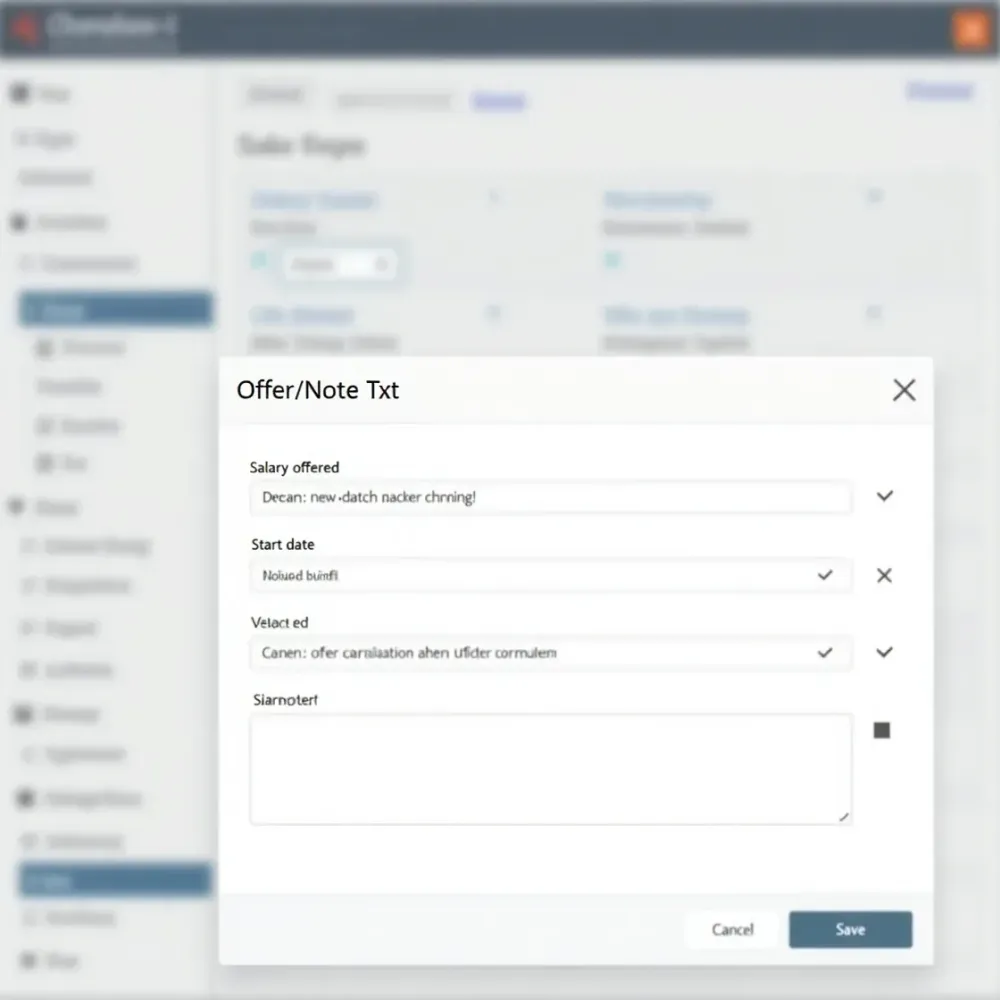
The Offer Action Wizard now allows you to record the offer details as part of the action when an offer is made.
You can also record the potential fee and offer information while completing the Offer action.
Once you have selected the Offer Action in the candidate shortlist, click the new ‘Offer/Note Txt’ Button.
Complete the information on the form that pops up.
For further information visit our Support Centre or call us on +44 (0)1483 600370 and we will be more than happy to help.