Chameleon-i recruitment insights
Searching For Duplicates
15 December 20163 min read
We have just released an update to our data cleansing tools.
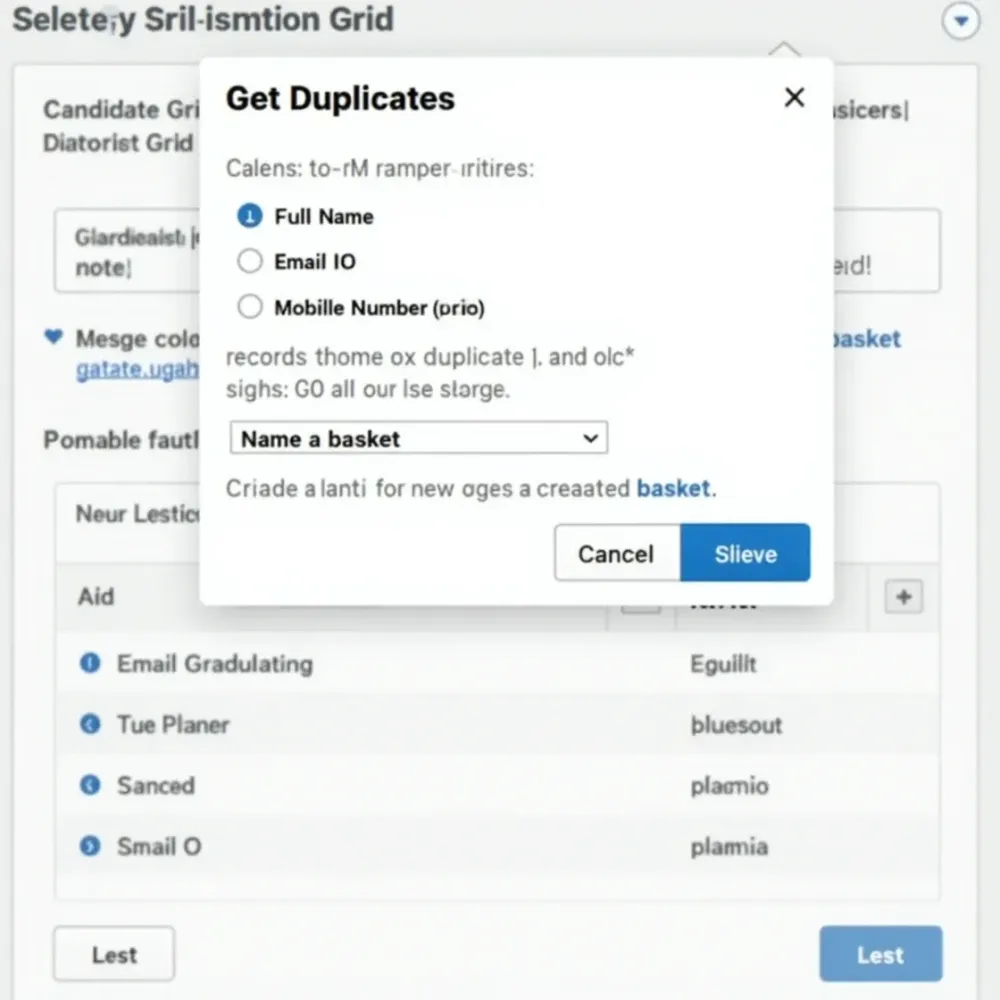
Chameleon-i enables you to search your client and candidate database for missed duplicates based on either their Full Name, Email address or a Mobile Number as criteria.
Simply Press the new ‘Get Duplicates’ button in the client or candidate grid to open the search popup. Select your criteria and specify a basket name.
Click the ‘Find Duplicates’ button.
This will create a basket and populate it with any duplicates found ready for you to merge/delete where relevant.
More information on search duplicates can be found in our knowledgebase.